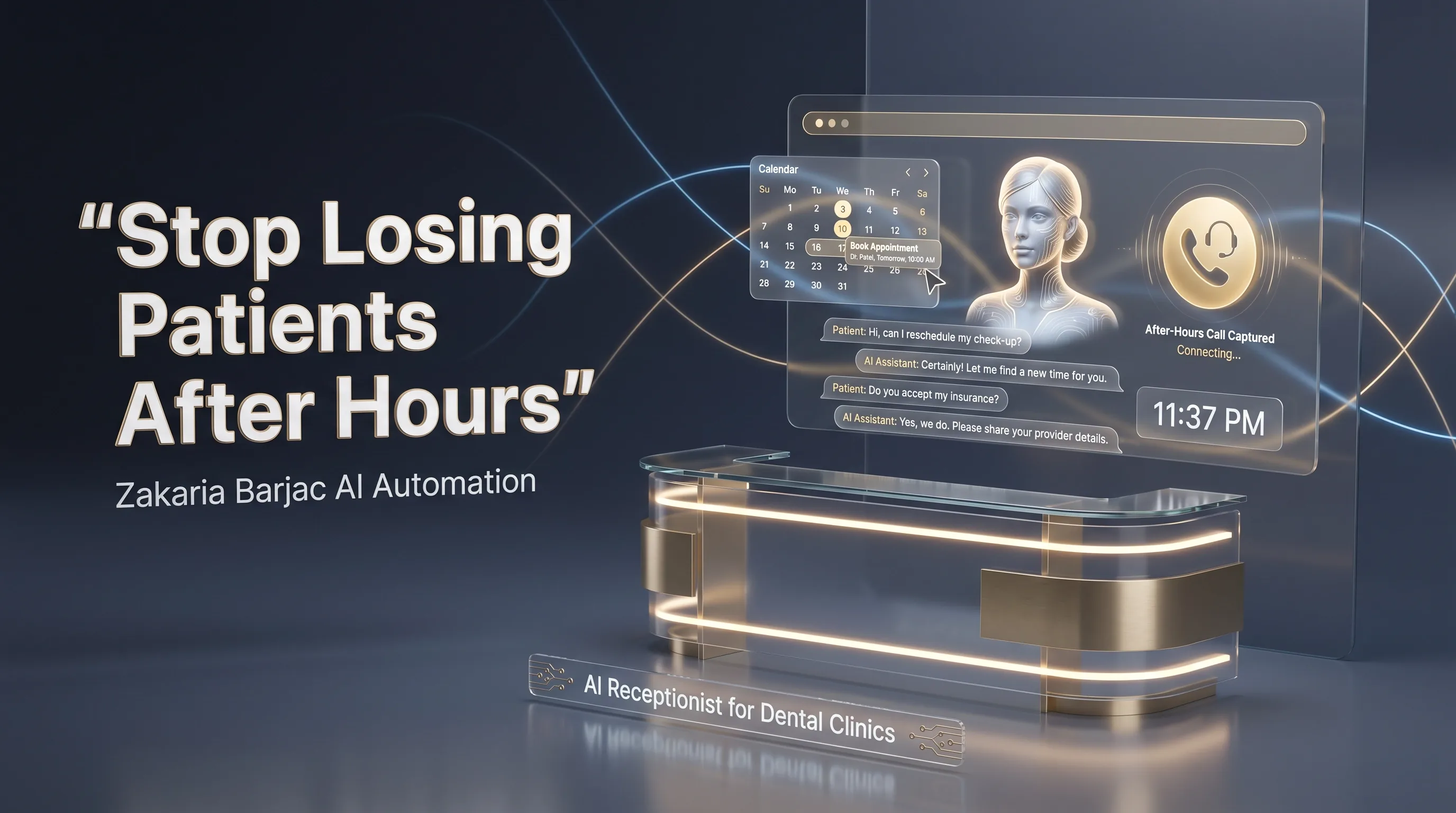
An AI receptionist helps dental clinics capture after-hours patient calls and turn them into booked appointments.
After-hours call leakage is a widely-discussed challenge in private dental practice. The typical pattern: the front desk closes in the early evening, calls roll to voicemail, and a meaningful share of after-hours callers don't leave a message. They simply hang up and try the next dentist on the search results page.
This is where the case for an AI receptionist gets practical. Not a futuristic chatbot. A voice agent that answers calls in the practice's name, captures the basics, books straightforward appointments, and routes the rest to a human as soon as you're back at your desk.
This article is intended as practical guidance for dental practice owners weighing whether AI call answering is worth exploring for their practice.
Why this problem matters
Dental practices are exposed to call leakage for a few structural reasons:
- Demand often spikes outside working hours. Patients tend to call when the pain or anxiety is acute — evenings, weekends, the night before a procedure. Many of those calls hit voicemail.
- First reply tends to win the booking. A patient with a toothache often calls more than one dentist. Whoever answers first with availability has the strongest chance of capturing the appointment.
- Voicemail call-back rates are commonly low. Across many service businesses, voicemails are returned at modest rates compared to live answers — exact numbers vary by industry and source, but most practice managers will recognise the pattern.
The unbooked patient never enters your practice management system, so the loss is invisible on your reports. The only way to spot it is to count missed calls against booked appointments — most practices don't.
How an AI dental receptionist works
A modern AI receptionist isn't an IVR menu and it isn't a generic chatbot. It's a voice agent set up to handle the kinds of calls a competent front-desk receptionist would handle, within a clearly-defined scope.
A representative call flow:
- Trigger. The practice number forwards calls to the AI line based on rules you set — only after-hours, only when the line is busy, or always.
- Greeting. The AI answers in the practice's name. Patients are told upfront that they've reached an automated assistant.
- Triage. The AI asks the reason for the call: emergency, new appointment, reschedule, account query, referral. Emergency cases are routed immediately to a backup mobile or on-call clinician.
- Identification. Existing patients are confirmed via name and date of birth so their record can be referenced.
- Booking. The AI checks live availability and offers a small number of specific time slots. The patient picks one. The AI confirms.
- Confirmation and notes. Appointment details are written into the practice calendar and an SMS or messaging-app confirmation is sent. Pre-visit instructions can also be sent automatically.
- Reminders and reschedules. Optional reminder messages are sent ahead of the appointment, with simple reschedule paths.
This is the realistic version. Demos that suggest the AI will handle complex insurance disputes, telehealth-style triage, or clinical advice are showcasing prototypes, not production-grade systems for general dental practice.
What to automate first
Practices often ask which task to automate first. A practical priority order:
| Automation area | Why it matters | Reasonable first step |
|---|---|---|
| After-hours call answering | This is where most missed-call value tends to sit | Forward calls outside operating hours to the AI line; log every call to your CRM |
| New-patient intake | One of the most labour-intensive front-desk tasks | AI captures core details (name, DOB, reason for visit) over the call |
| Appointment confirmation and reminders | Tends to reduce no-show rates | Reminder messages a day or two before, plus a reminder closer to the visit |
| Recall reminders | Recall revenue is often lost simply to the patient forgetting | Automated reminders at the recommended recall interval |
| Missed-call text-back | Captures leakage even when the AI cannot answer | Auto-message any caller who didn't connect, inviting them to book |
A common starting point is after-hours call answering plus missed-call text-back — they tend to address the largest leakage with the smallest scope.
Common mistakes to avoid
- Letting the AI try to diagnose. Don't. The AI captures symptoms and routes urgency. Diagnosis is the dentist's job. Crossing this line creates clinical and regulatory risk.
- Skipping disclosure. It's good practice (and increasingly expected) to tell patients clearly that they're speaking with an automated assistant, with an easy path to a human.
- No human escalation path. Every AI call flow should have a clear “speak to a human” branch that actually reaches a person within a reasonable window.
- Ignoring after-hours emergencies. Acute clinical emergencies must be routed to a real clinician. Build the emergency path before the booking path.
- Letting the AI quote prices it doesn't know. Restrict pricing answers to a confirmed list, or have the AI commit to a human follow-up. Hallucinated pricing creates trust and dispute problems.
Cost and ROI considerations
Costs vary substantially by scope, integration depth, and call volume. Practices typically see costs in two buckets:
- One-off setup. Covering AI configuration, scripting, voice setup, and integration work.
- Monthly running cost. Covering platform fees, telephony minutes, and ongoing support.
The honest framing for ROI: an AI receptionist tends to pay for itself when there's clear evidence of unanswered demand — missed calls, voicemail attrition, after-hours bookings being declined. If your practice already answers virtually every call live and your no-show rate is already very low, the upside is smaller. If you're missing many calls or paying a 24/7 answering service that doesn't book or upsell, the case is much stronger.
We recommend any practice considering this start with a 30-day call-volume audit before committing to a build.
When this is a good fit
- The practice receives a high volume of inbound calls
- A meaningful share of calls currently go unanswered or to voicemail
- After-hours and lunch-hour calls are a known dead zone
- The practice would consider hiring an additional receptionist if cost weren't a constraint
- The practice is already paying for an external answering service that doesn't book directly
When this is not a good fit
- The practice answers nearly every call live and the no-show rate is already very low
- The practice doesn't use a digital practice management system at all
- The patient base is overwhelmingly uncomfortable with phone-tree style interactions
If a vendor doesn't tell you when their product won't work for you, treat that as a warning sign.
Privacy and regulatory considerations
AI receptionists in healthcare settings should be designed with privacy and regulatory requirements in mind. In South Africa, this includes the Protection of Personal Information Act (POPIA) and professional guidance from bodies such as the Health Professions Council of South Africa (HPCSA). Specific compliance requirements depend on how patient data is collected, stored, processed, and shared, and should be reviewed with your own legal or compliance adviser before going live.
At minimum, a deployment should consider: where data is stored, who has access, how patients are informed, retention periods, and how patients can request access to or deletion of their data.
How Zakaria Barjac AI Automation can help
We build AI receptionist systems for service businesses, including dental and medical practices. A typical engagement covers the voice agent, the call-flow scripting, integration with your existing tools where feasible, the messaging confirmation layer, and a soft-launch period to review transcripts before going fully live.
Each engagement starts with a discovery call to assess fit. We'd rather tell you not to buy than build a system that won't pay for itself.
For related context, see our guide on AI receptionist for doctors, the comparison piece on AI receptionist vs human receptionist, and our overview of automated appointment booking.
Book a free strategy call → to map the first automation worth exploring for your practice.